

Lovable and Sheet Ninja
Lovable is one of the fastest ways to go from idea to a real, working web app. Describe what you want, and within minutes you've got something that looks and feels production-ready.
But when it comes to storing data, things get awkward quickly. Lovable's built-in options are either overkill for a simple project or require backend knowledge most vibe coders don't have yet.
Sheet Ninja changes that. You get all the speed and polish of Lovable for your UI, with Google Sheets handling your data - somewhere you can actually see it, edit it, and share it without touching any infrastructure.
The use case
You have an idea and you want to know if anyone actually cares before you build it. A waitlist page does one thing: captures emails from people who want in. You collect them, you own them, and you can start talking to your future users tonight.
Here’s how:
1. Set up your Google Sheet
Create a new Google Sheet and add these column headers in Row 1:
| name | created_at |
|---|
2. Create your Sheet Ninja API
Then go to sheetninja.io, connect your Sheet, and copy your API endpoint URL. Here’s the Quickstart guide if you need a reminder.
Make sure to enable the right endpoints. For this use case we’ll just need ‘Add Row’ because we’re adding a row to the spreadsheet.
That's your database, your CRM, and your export tool - all in one place you already know.
3. Build it in Lovable
Open a new Lovable project and paste this prompt into the AI:
1Build a waitlist landing page.
2
3Here's everything you need:
4
5--- DOCS ---
6API reference: https://docs.sheetninja.io
7
8--- DATA ---
9The data lives in a Google Sheet connected via Sheet Ninja. My Sheet Ninja base URL is: <<YOUR_ENDPOINT>>.
10The sheet has these columns: email, name, created_at
11
12--- HOW IT WORKS ---
13- The page has a headline, a short description, and a signup form
14- The form asks for name and email
15- When someone submits, save their name, email, and current date/time automatically
16- After submitting, show a confirmation: "You're on the list — we'll be in touch"
17- Don't let the same email sign up twice — show a friendly message if they try
18
19--- KEEP IT SIMPLE ---
20- No login needed - Show a loading state while the form submits
21- Show a friendly error if something goes wrong
22- Clean, minimal design
23— the form should be above the fold
Replace <<YOUR_ENDPOINT>> with your Sheet Ninja URL and hit send. Lovable builds the whole thing.
What you get
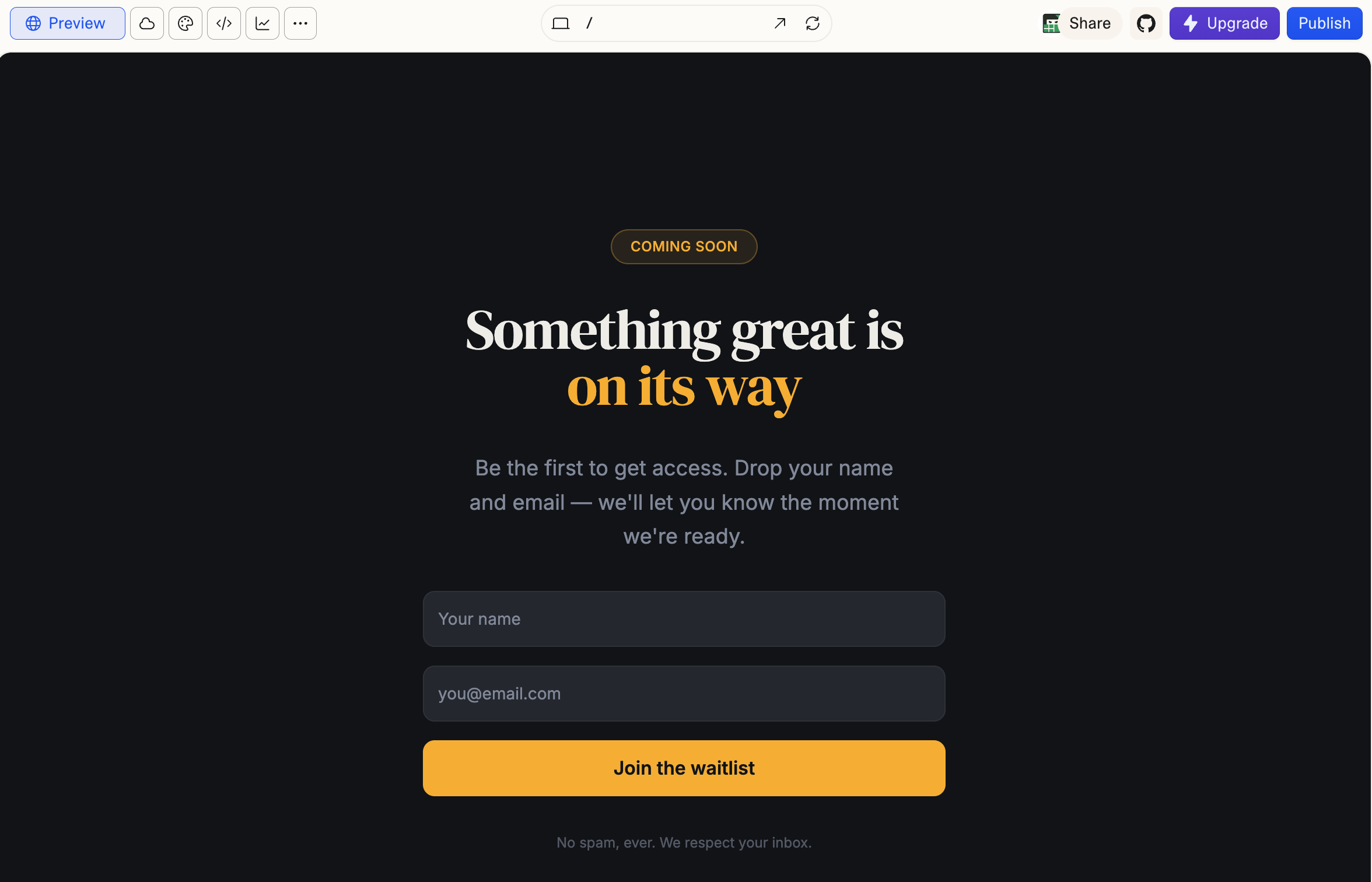
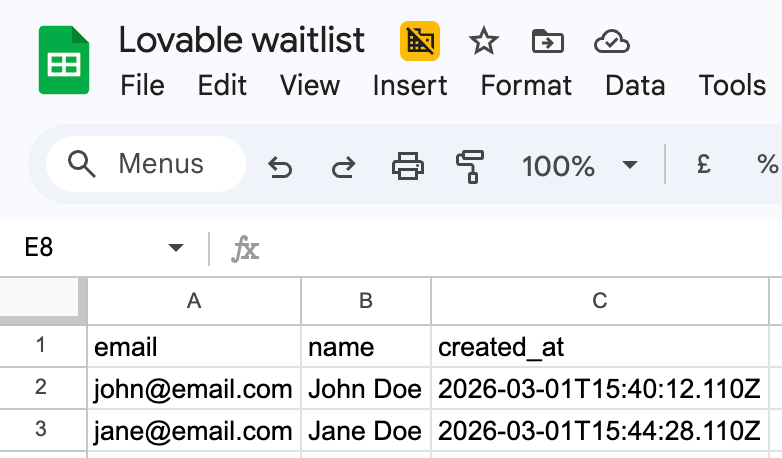
And your sign ups? They’re already in your Google Sheets:
Why Google Sheets?
Every signup lands as a row in your Sheet the moment it happens. You can see your list grow in real time, filter by date, and copy emails into any tool you already use: without exporting, importing, or paying for a CRM you don't need yet.
Most waitlist tools lock your data inside their platform. With Sheet Ninja, the data is yours from day one.
Ship the page tonight. When you're ready to launch, your list is already waiting.